For realtors and homeowners
You post the listing.We run the ads.
A property listing posted on Johny Top is shown on Instagram and Facebook to people who are looking for a home. Both the listing and the ads are free.

One listing
Seen everywhere.
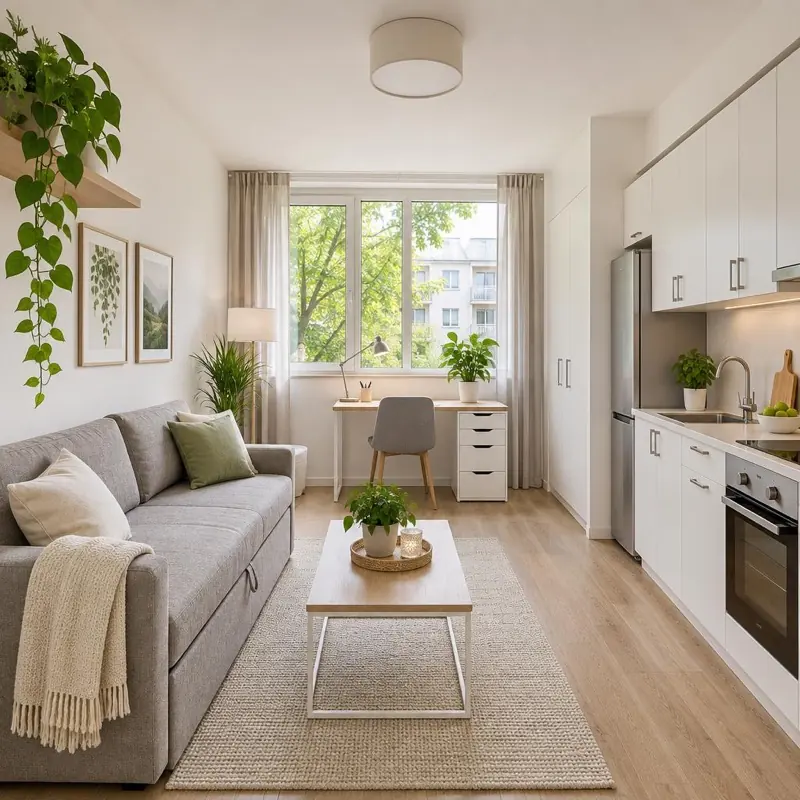 1 / 8
7,800,000 UZS / month
Yunusabad, 3-room apartment
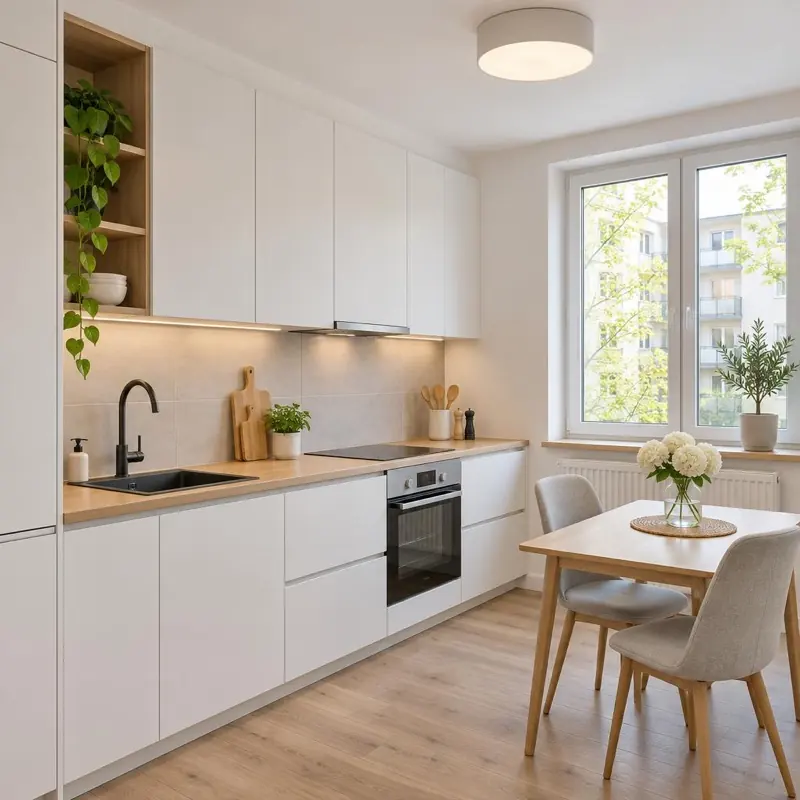
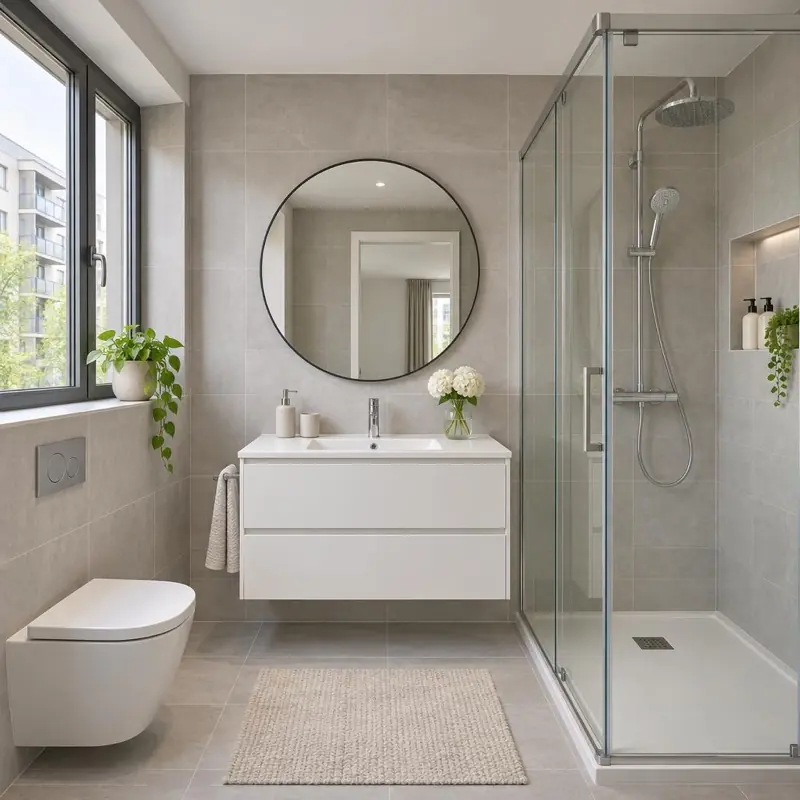
3-room apartment in Yunusabad for monthly rent, 78 m²
7,800,000 UZS
johny_top_ Johny Top: homes and apartments across Uzbekistan in one app. Tap the home you like and it opens right in the app.
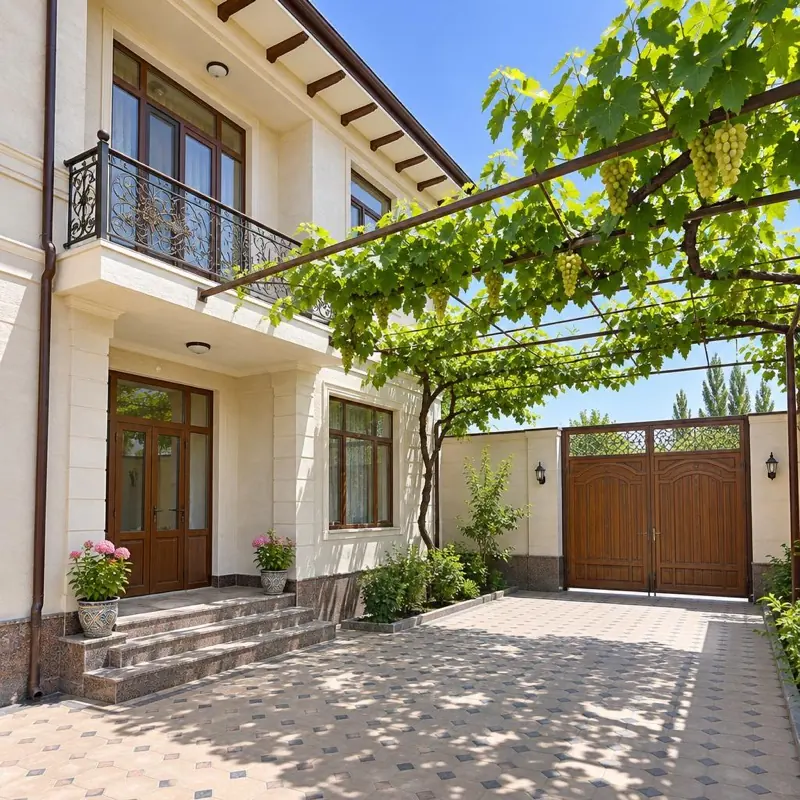
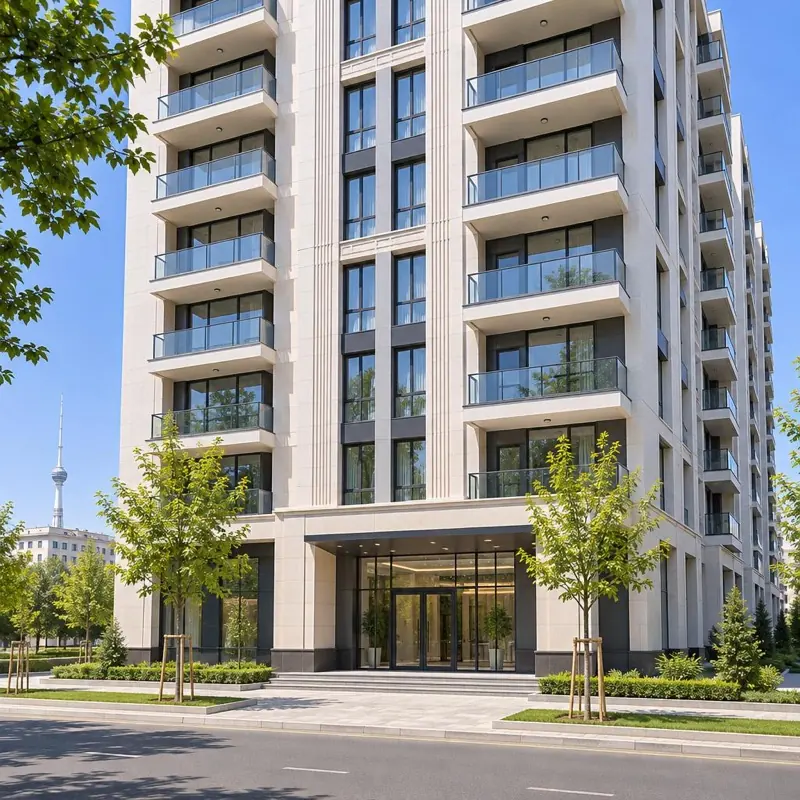
House in Qibray, 5 rooms, 4 sotix
1,950,000,000 UZS
Johny Top: homes and apartments across Uzbekistan in one app. Tap the home you like and it opens right in the app.
2-room apartment in Chilanzar, 54 m²
5,200,000 UZS
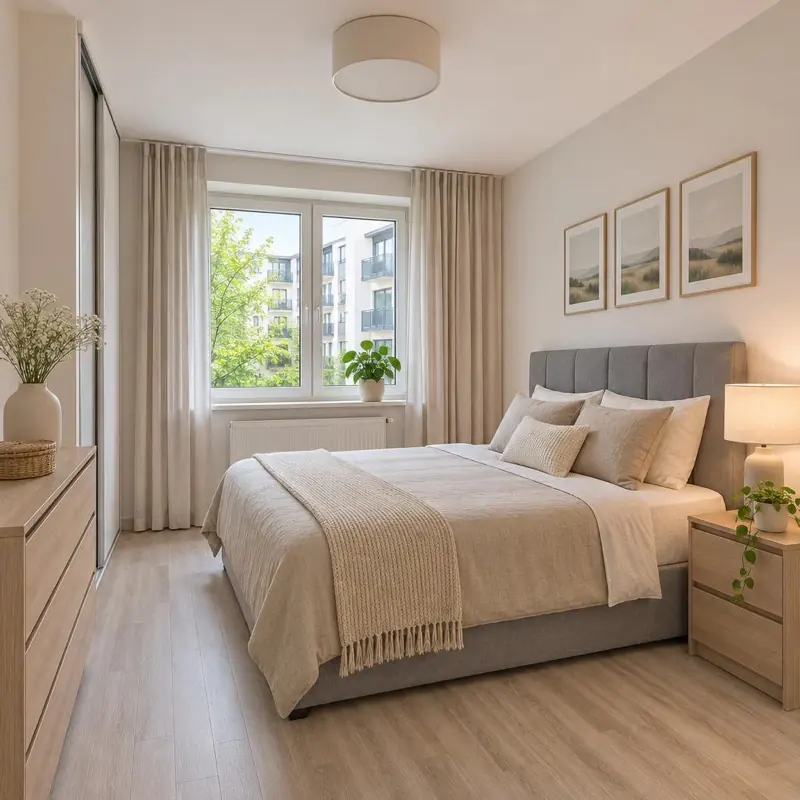
New home in Mirzo Ulugbek, 3 rooms
980,000,000 UZS
AI listing
Take a photo. AI writes the rest.
You upload photos and AI fills in the title, description and fields. You only check and confirm.

AI is filling in
Title3-room apartment in Yunusabad
TypeApartment · Rent
Rooms3
Area78 m²
Guide
Posting a listing. Step by step.
There are two ways: fast with AI, or by hand yourself. Both work in the app and on the site.
- 1Sign inSign in through Telegram, a phone number or Google.
- 2Open “Post a listing”In the app pick the AI card, on the site choose to start with a photo.“Create a listing with AI”
- 3Photos and a short noteUp to 8 photos, the first is the main one. In the note write the essentials: “Chilanzar, 2 rooms, 54 m², floor 3, rent”.
- 4Hand it to AIAI picks the section, fills in the fields and writes the text.“Hand it to AI”
- 5ReviewFill in the fields marked “Required, fill in” and enter the price. The price is in so'm or in y.e.“Review and publish”
- 6Location and publishingMark the city or district and publish. The status is “Under review”, after the check it becomes “Active”.
- 1CategoryChoose “Real estate”, then a section: apartment, house, land and others.In the app: “Enter manually”
- 2PhotosAt least one main photo. The more and the brighter, the better.
- 3DetailsTitle, description, price and the section’s required fields.
- 4LocationChoose the city or district and mark a point on the map.
- 5ConfirmLook everything over and publish.On the site: “Open the form”
The housing section
What do you fill in? The list is ready.
Below are the Real estate sections. Each has its own fields; the app shows which are required.
- Apartments
- Houses & dachas
- Short-term rentals
- Land plots
- Commercial property
- Garages & parking spaces
Telegram channel and group
Have a channel? Connect it.
Do you post property listings in your Telegram channel or group? Connect it to Johny Top once, and every new post turns into a listing draft on its own.
For now this feature is opened on request. Message Johny Top on Telegram and we will switch it on for your account.
Chilanzar, 2-room apartment for rent. 54 m², floor 3. 5,200,000 UZS a month.
- 1Ask for accessMessage Johny Top on Telegram. We will switch on the “From my Telegram channel” section for your account.t.me/johnygroup
- 2Open the sectionOn the “Post a listing” screen or in Settings → “My Telegram channels”.“From my Telegram channel”
- 3Start connectingTap the button and agree to the terms: “I agree”.“Connect a channel or group”
- 4Telegram opensThe bot shows two buttons: pick a channel or a group. Do it within 10 minutes.@JohnyTopKanalBot
- 5Pick the channelPick your channel from the list and allow the bot to become an admin.
- 6DoneThe app shows “Connected!”. From now on every new post brings a draft: check it and tap “Post”.“Post”
- Only new postsPosts published after you connect are picked up. Old posts are not moved on their own.
- AI prepares, you confirmAI prepares the title, section, price, place and photos. You fill in what is missing.
- If you edit the postThe listing does not change by itself, the app asks you first. The same goes if you delete the post.
- Disconnect anytimeIf you disconnect the channel, your posted listings stay.
- Keep visiting the sectionIf you do not visit for a long time, the channel “goes to sleep” and posts are not taken. After even longer, the bot may leave the channel by itself.
- Posts that are not listingsGreetings, news and similar posts do not become listings.
Ads
The ad builds itself from your listing.
No designer and no targeting specialist needed. We set up who sees it: by Tashkent and the regions, people looking for a home.
3-room apartment in Yunusabad for monthly rent, 78 m²
7,800,000 UZS
- 1Photos come from your listingThe first three photos appear as a collage.
- 2The title is yoursOr the one AI wrote for you.
- 3The price is in so'mThe price from your listing is filled in automatically.
- 4Whoever taps lands on your listingThe ad opens the right listing page.
The listing above is a sample.
- The listing passed review and is activeA listing that is “Under review” does not go into the ads.
- The price is written as a numberA listing with no price or a price of 0 does not enter the ad catalog.
- Required fields are filled inIt is best to fill in the section’s fields: rooms, area, floor and others.
- Not expiredA listing stays active for 30 days. Extend it before it ends.
- Tip: at least 3 bright photosIn the ad the first three photos show as a collage.
- Meta chooses who sees itEvery listing is not guaranteed to be shown: the system looks at each person's interests.
The buyer calls you directly.
No one stands in between. The call and the client are both yours.

Getting started
Three steps.
Coming soon:Listing by voiceVerified realtor badgeUpload via Excel / XML
After you post
The listing is in your hands.
Questions
Is it really free?
Yes. Posting on Johny Top is free. Johny Top itself covers the cost of advertising the listings on Instagram and Facebook.
Will my listing definitely be advertised?
After review your listing is added to the Johny Top catalog. The ads are drawn from that catalog; which listing is shown to whom is chosen by the Meta system based on a person's interests.
What do I need to sign in?
You sign in through Telegram, a phone number or Google.
How are rent and sale listings told apart?
After you choose the section, in the “Deal type” field: “For sale” or “For rent”. Daily rental is a separate section.
How long does a listing stay up?
30 days. Then you can extend it by 30 days.
How do I connect my Telegram channel?
For now on request: you message Johny Top on Telegram (t.me/johnygroup) and the “From my Telegram channel” section is switched on for your account. Then in that section you tap “Connect a channel or group” and pick your channel through @JohnyTopKanalBot.
Can a group be connected too?
Yes. From a group only messages written by you and the group admins are taken, not those of other members.
What can the bot do in my channel?
It is added to the channel as an admin. Nothing is published on Johny Top without your confirmation.
Why is my listing not showing in the ads?
Check that the listing is “Active”, the price is entered and the required fields are filled in. Even when all is well, the Meta system chooses which listing to show to whom.
Which regions does it cover?
All of Uzbekistan: Tashkent and every region.
How does a buyer reach me?
Through the call button in the listing or the chat, directly with you.
Post your first listing today.
The listing and the ads are both free.